To make recordings sound more interesting and to add background sound the sound card can be used by pressing the sound "pads" or mbient background sounds and effects can be downloaded and added when editing.
The easiest way to add sound clips while still recoprding live is to use the "pad" effects on a sound card
The EC40 Sound card has 16 sound pad pre-recorded effects such as laughing, crying, clapping etc simply by pushing the effect button. It a;so has 8 mode settings for different background modes
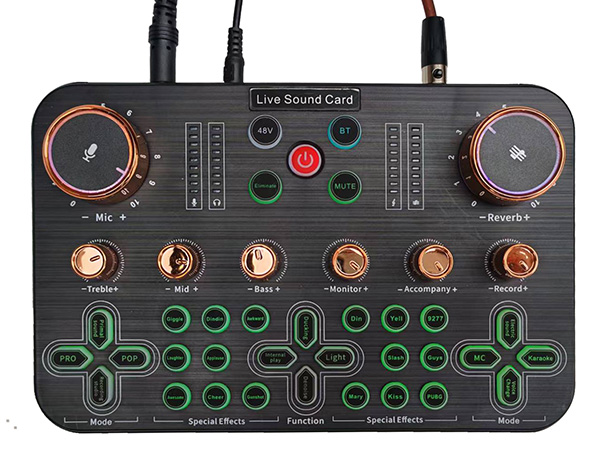
Other effects such as Background Noise reduction, Reverb, Bass, Middle and treble all have adjustments to make your podcast exciting and special for your listeners/
Pre-recorrded Sounds
An alternative is to add downloaded music or other effects from online sourcs and add to your sound track.
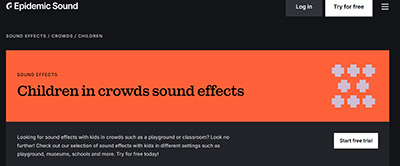
 There are many websites providing school, collefe and university background sounds - here are some examples
The sound clips below can be downloaded and added to your sound track to make podcasts come to life
Here are some sites for podsafe music:
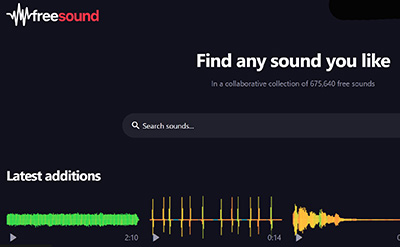
- The Free Sound Project (opens in a new window)
- SoundSnap
- Flash Kit - Sound FX
- Podcast Bumper Music
- Four Bees Free Media
- Podsafe Audio
- Mutopia
- ACIDplanet (offers a free 8-pack of loops each Friday)
Although loops may seem specific to GarageBand or ACID XPress, they are simply AIFF or WAV files that can be used in any audio editing program.